The 2026 PC build is complete!
.
Guys, gals, and nonbinary pals: I’m proud to announce that one of my three goals for the calendar year is already complete. Yes, you’ve read that right, the Great PC Build of 2026 was completed yesterday by two brave assemblers and one even braver canine. Let us review the events of that great Saturday.
Preparations began early in the morning, as the kitchen table was cleared of debris and the countertop wiped free of grime. As the second builder, my little brother, approached the front door, I harnessed my trusty canine Wynonna and set out to retrieve him and provide him respite from the bitter Washington cold. The time was 10:54.
After a brief hug between Wynonna and the heretofore-never-to-be-named brother, we began unboxing each of the 8 key components of building a computer. It started with the motherboard:
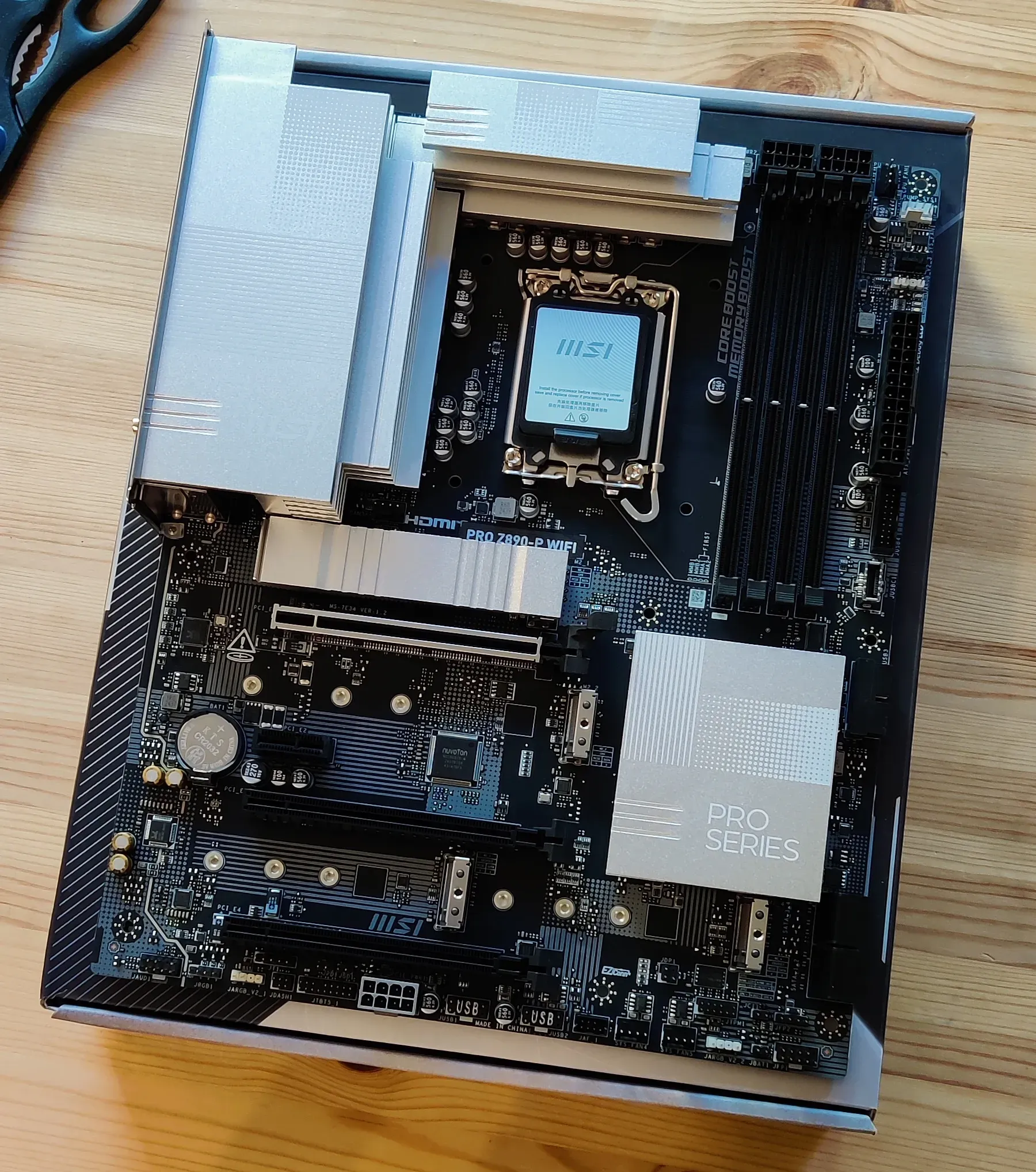
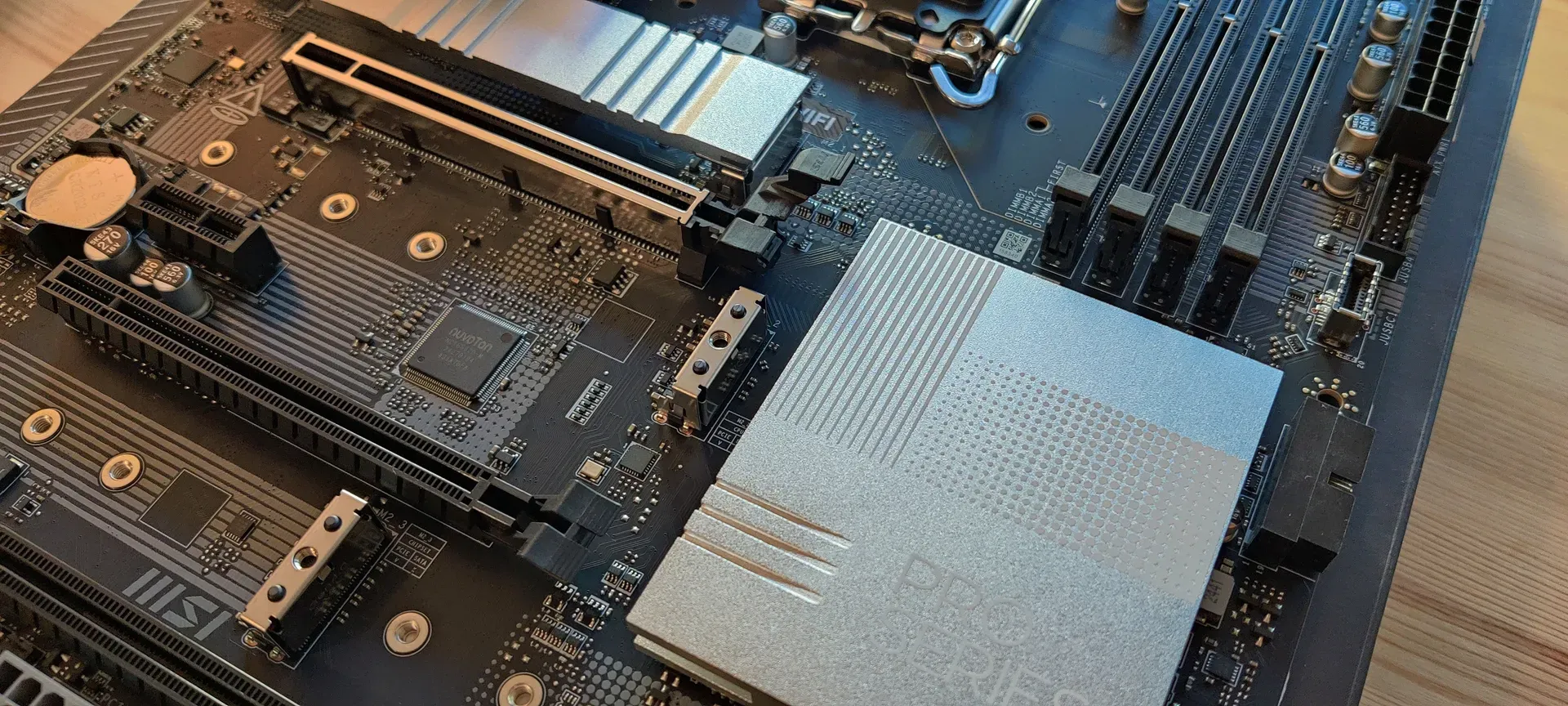
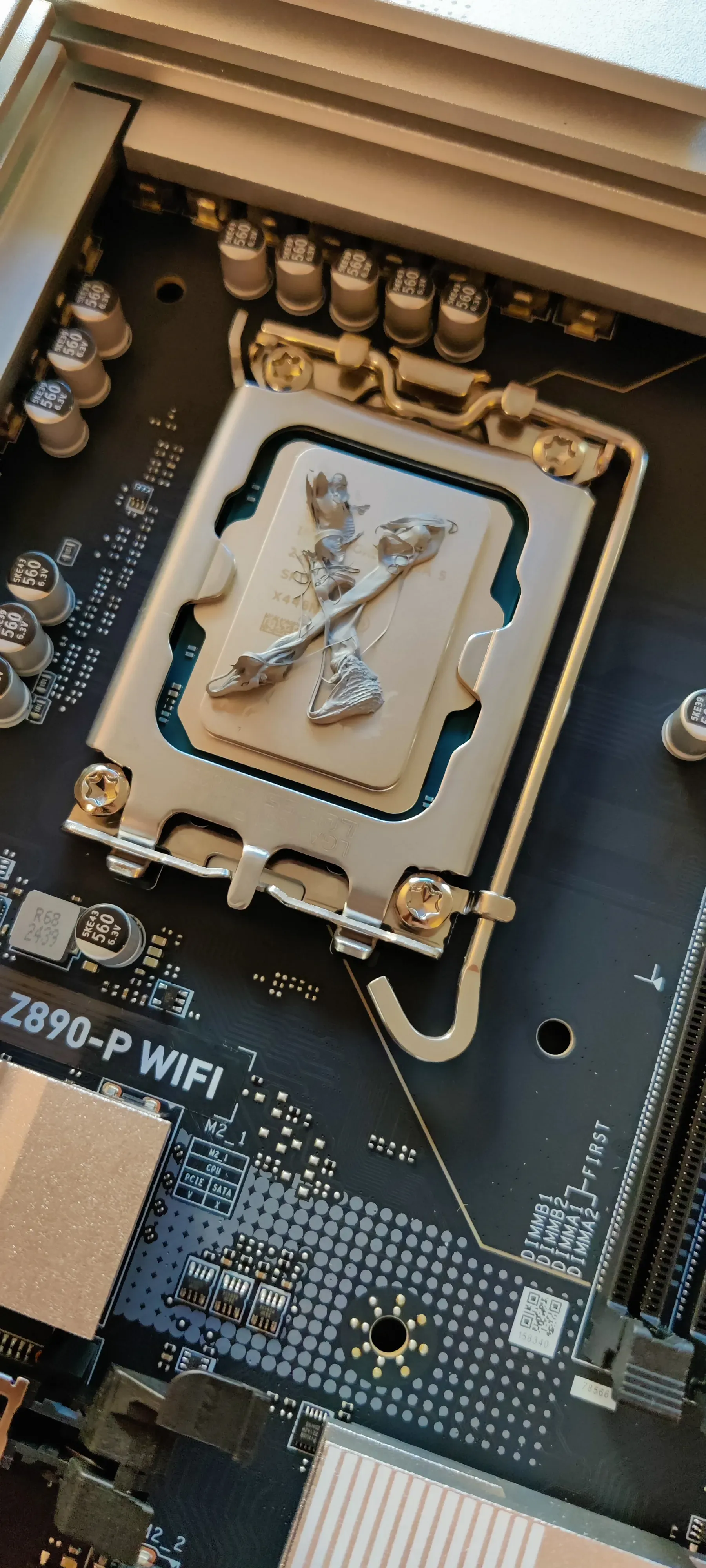
But a motherboard does not a computer make, so we unboxed the central processing unit and set it in place. This, the most risky of actions during the build, was accomplished swiftly thanks to my wonderfully delicate but still definitely masculine hands.
Alas! What is a CPU without a cooler? That’s like an athlete without Gatorade, a dog without a bone, me without pasta! So, we set out to apply some thermal paste to efficiently transfer heat from this newly-seated CPU to our wonderful all-in-one water cooler. But no thermal paste was found. Not in the CPU box, not in the AIO box, not with the graphics card, of course, and none was lying around my apartment. Without thermal paste, the computer would surely melt and explode, rendering my entire budget truly burned. This unforeseen obstacle led us to walk to the nearest Best Buy, which I realized on the way was an OfficeMax, and by the time we arrived we learned it was indeed a Staples! I sent my unnamed brother in with a crisp dose of cash in an effort to persuade their nearest salesperson to give us some of that necessary gray paste. I stood guard outside with Wynonna and looked up just how much this thermal paste was gonna cost me.
It wasn’t until a few minutes later that my brother returned empty-handed. Except for the cash.
“But you can’t cool a CPU with cash,” I said!
“Alas, Mark,” he lamented, “it’s only available online, they don’t have even a single unit in stock at this location.”
“Forsooth! ‘Tis indeed the era of digital storefronts, but we need to assemble my PC posthaste, shall we transit by car?” At this, Wynonna perked up. It was agreed, then, and we set off to a Best Buy, a real one, not one that turned out to be an OfficeMax or a Staples. After some purchasing and driving, we returned home, Corsair XTM70 Thermal Paste acquired. It was 12:35.
Moments later, we busted the AIO out of its inner box to see it came with thermal paste pre-applied!
Huzzah, now our trip was truly worth it, as double the paste is surely necessary obviously and we didn’t waste our time at all no way!
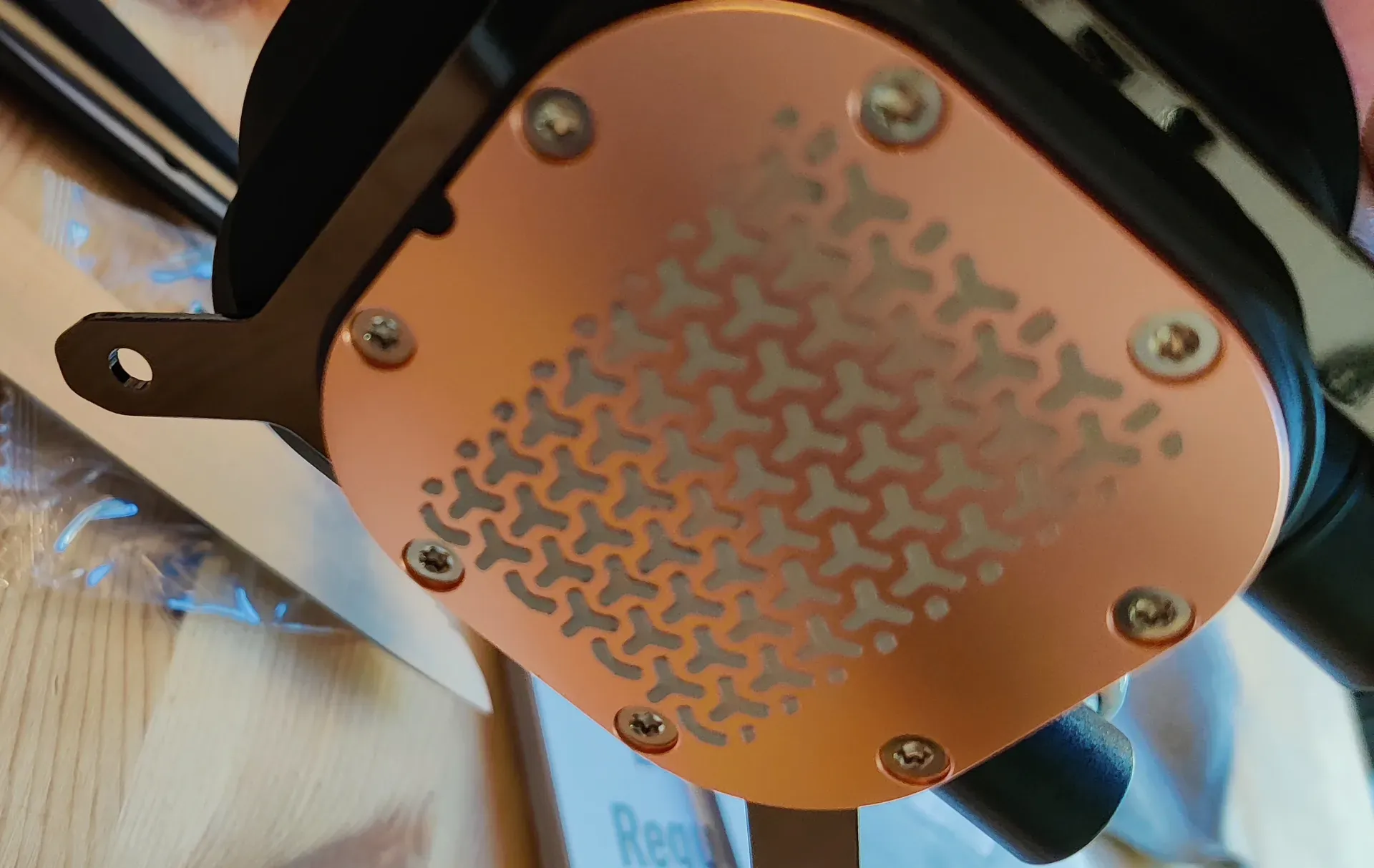
Attaching the AIO was sensitive work, with springy screws tightened slowly and evenly so as not to disturb the newly-imprisoned Intel Core Ultra 5 225F 3.3 GHz 10-Core Processor.
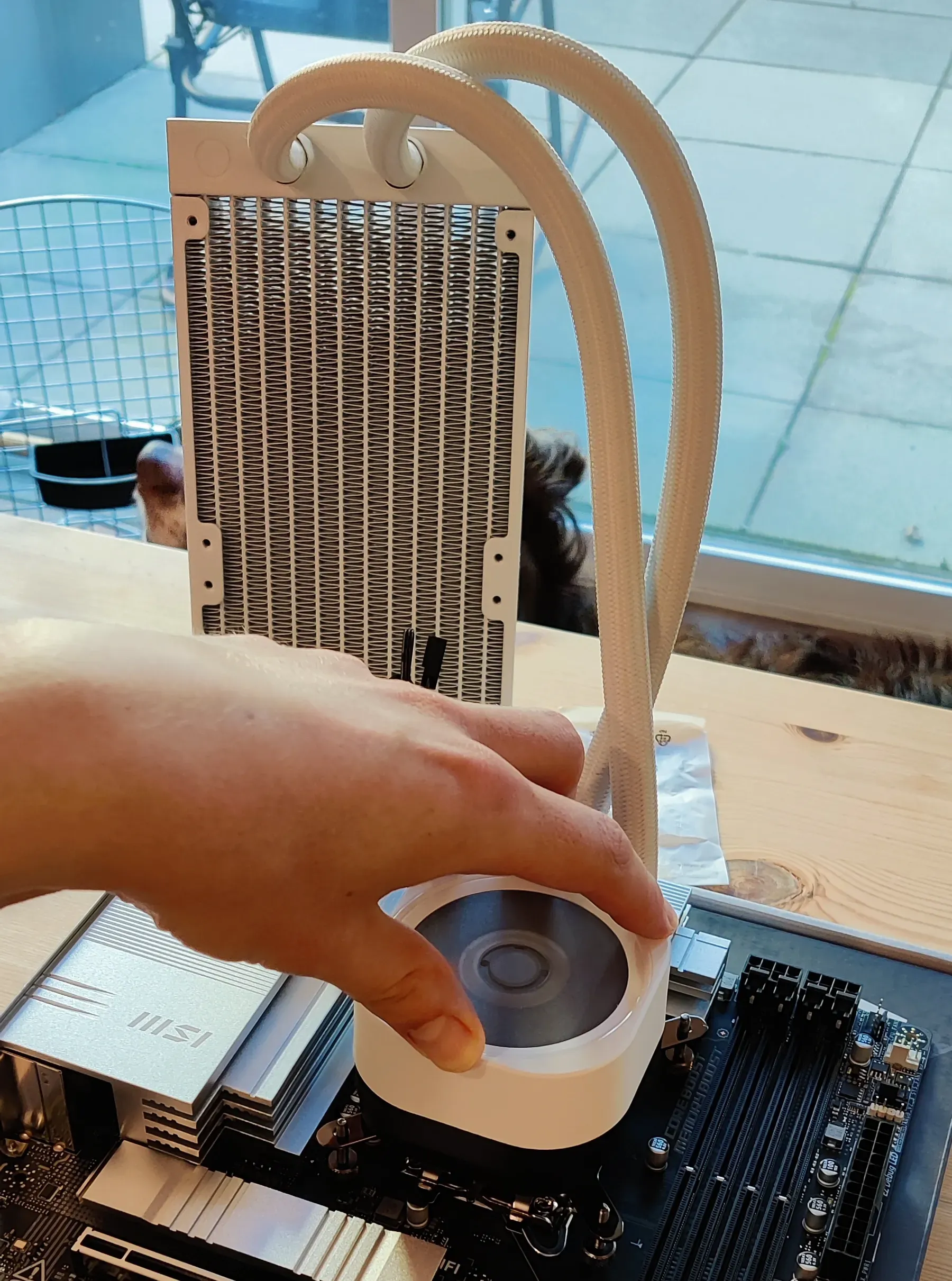
After the AIO came the RAM, which snapped in with a snap snappily.
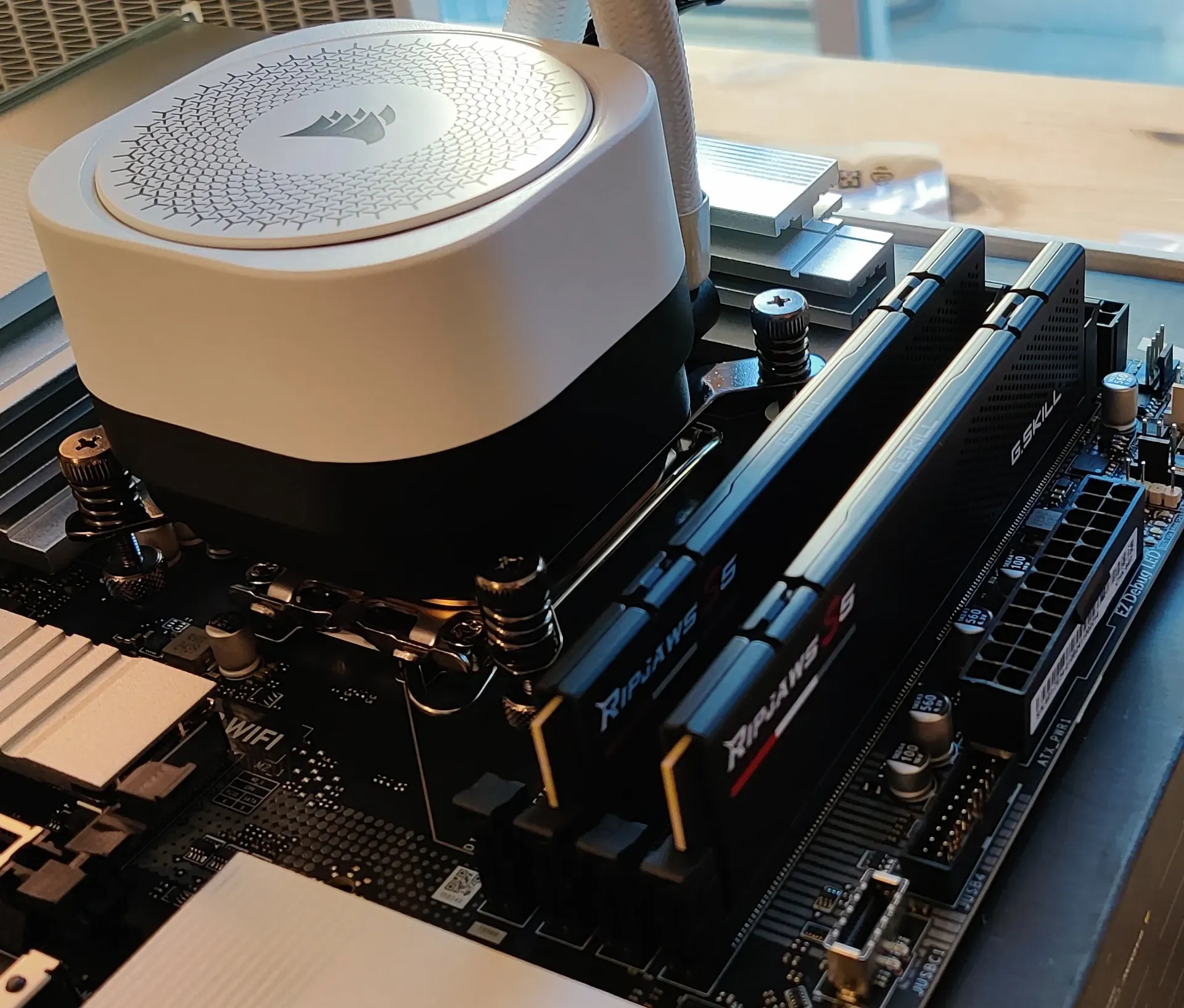
And with that, Wynonna congratulated us on our progress by continuing to lie out of the way, gnawing on her bone.

The SSD wasn’t too difficult to add once we learned that we had fancy-dancy screws that intentionally wiggled out of the way during installation, but magically stayed in place once the SSD was positioned correctly.
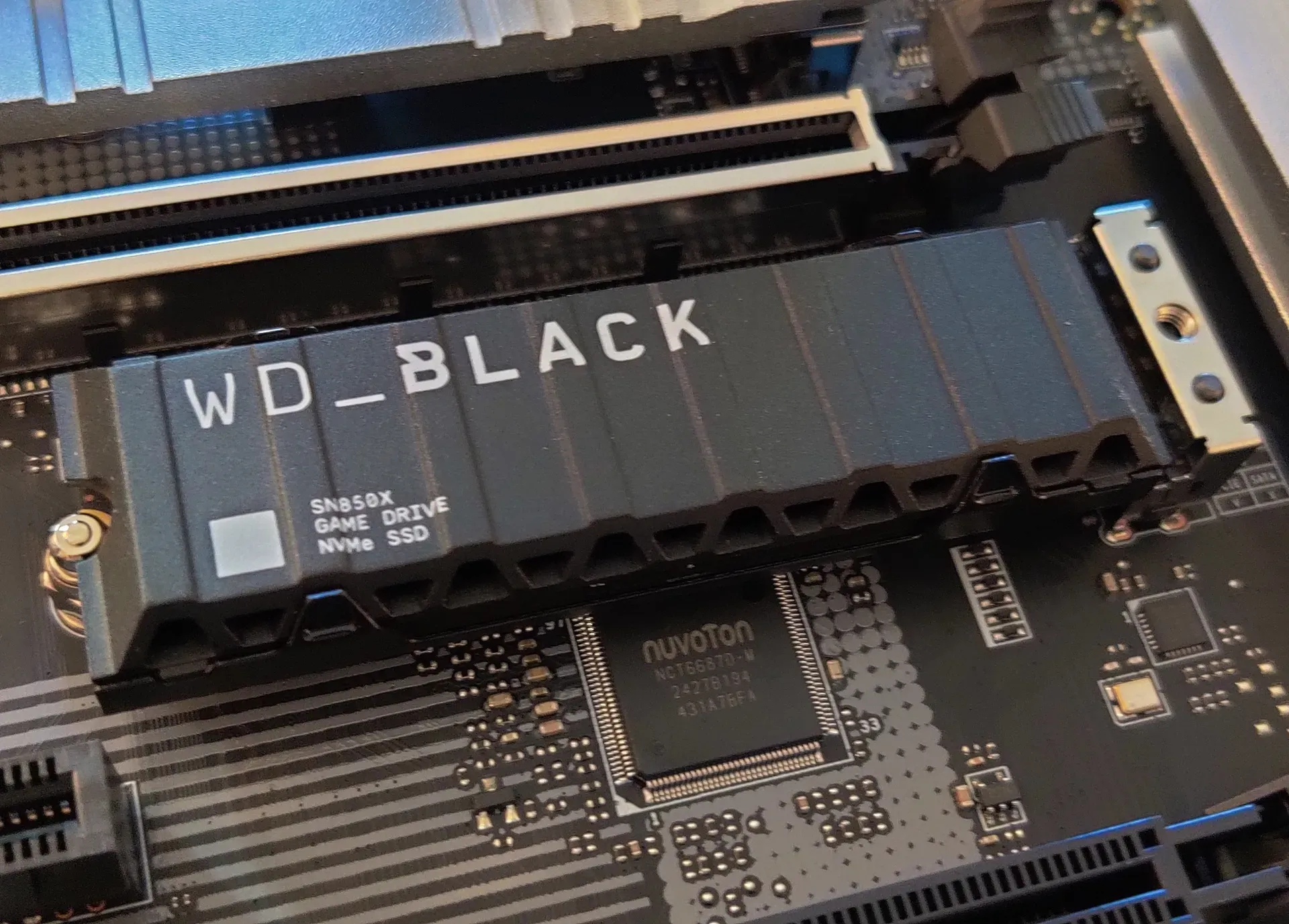
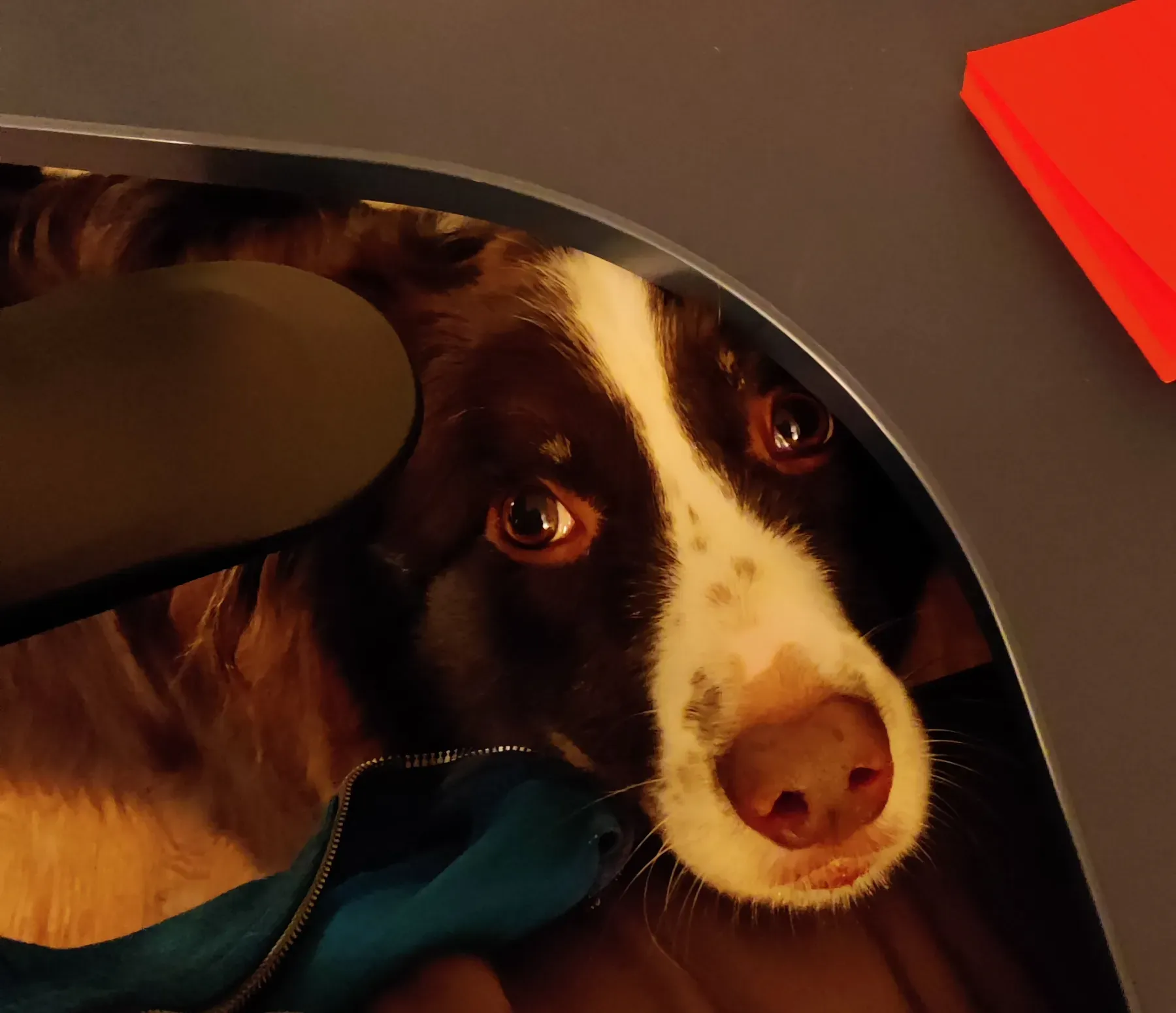
This, however, was too interesting for our furry friend to ignore, and she was soon giving us puppy-dog eyes from under the table!
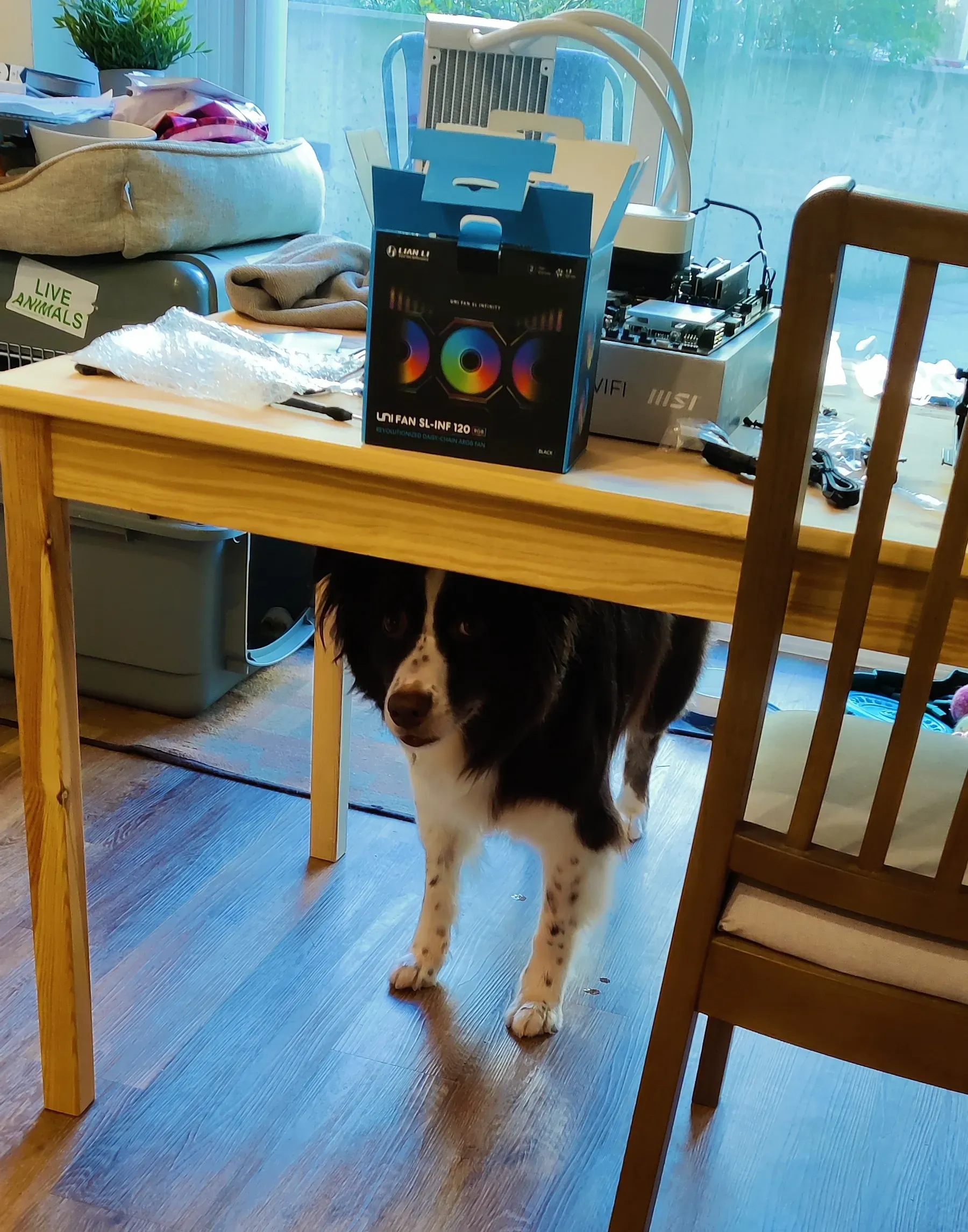
It was 13:53. It was time for Stage 2.
Case assembly began smoothly, with a motherboard cleanly seated, two yucky fans removed, and three yummy RGB fans put in their place. We put a few screws in to stabilize the fans before we decided we were actually pretty tired after Stage 1, so my little brother went to a convenience store to get some food. I took this opportunity to send said little brother on a quick secret side quest, and also I made some pasta while he was gone. Without pasta, I’m like a CPU without thermal paste! I did not, however, eat the pasta, as it was meant primarily for my little brother. He, also, did not end up eating the pasta. I had pasta for dinner yesterday.
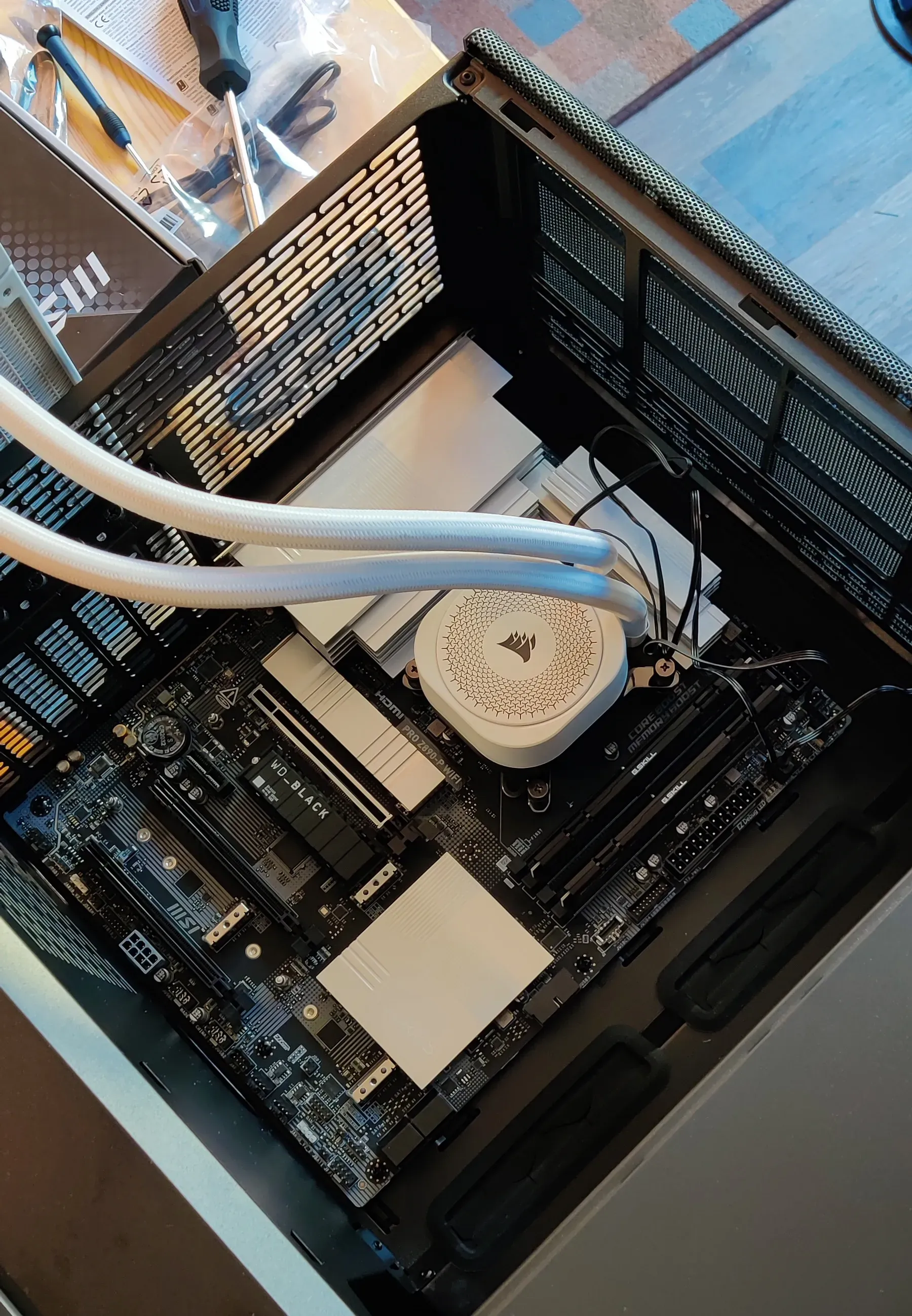
With my little brother returned from his quest, my stomach full of leftover tofu, and Wynonna gnawing on a different bone, we set off for Stage 2.1: GPU Boogaloo.
The time: 14:59. The mission: unbox the GPU. The stakes: $600. GPUs are expensive. Don’t ask me how much I paid for RAM. I don’t want to talk about it. But I will write about it. Check the bottom of this post. I’m not proud of these prices OK I just set a budget and I stuck to it and the invisible hand is strong what can I say?
Anyway, I was upgrading from an RTX 2060 to an RTX 5070. What’s the big deal, you wonder, that’s only a 3010 point improvement. Ah! But 3010 points is quite a lot, especially when that’s not exactly how the naming works and really we’re looking at 3 generations and one SKU up! In short, I went from a decent-but-not-great GPU to an amazing-and-basically-perfect GPU. This is the most extravagant thing I’ve ever bought for myself.
It’s quite nice.
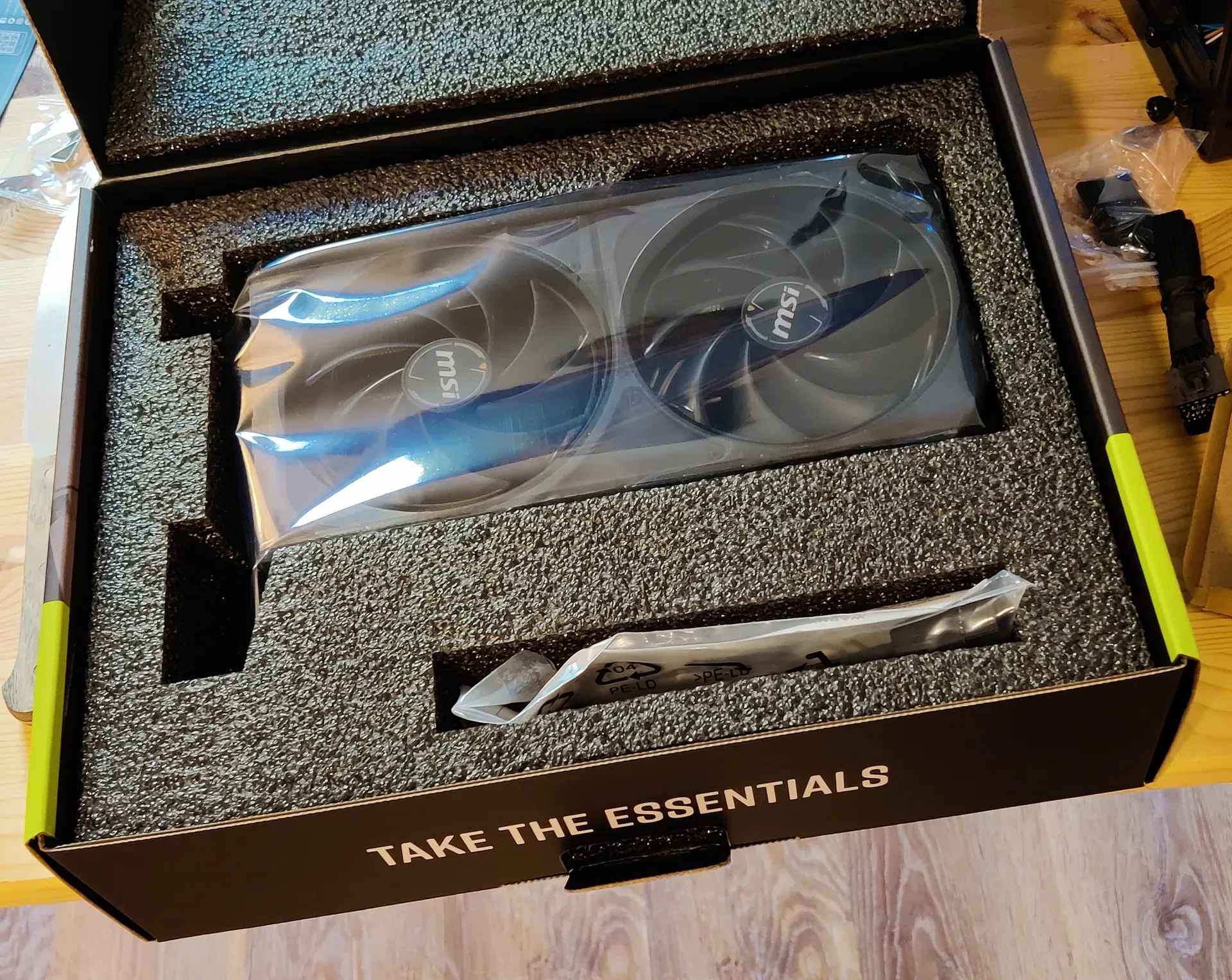
And it slotted in smoothly.
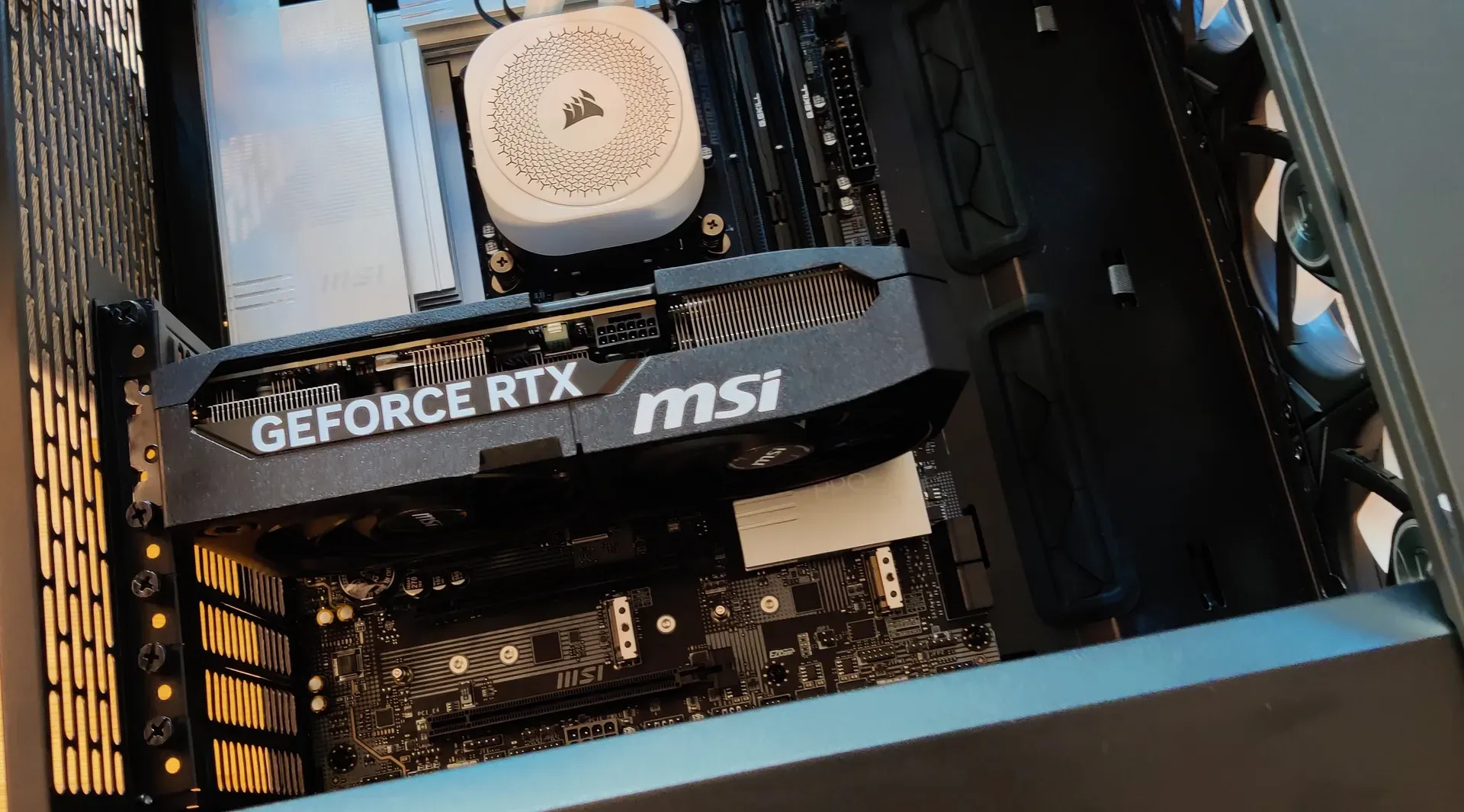
And at the end of the fourth hour, Wynonna chewed her bone.
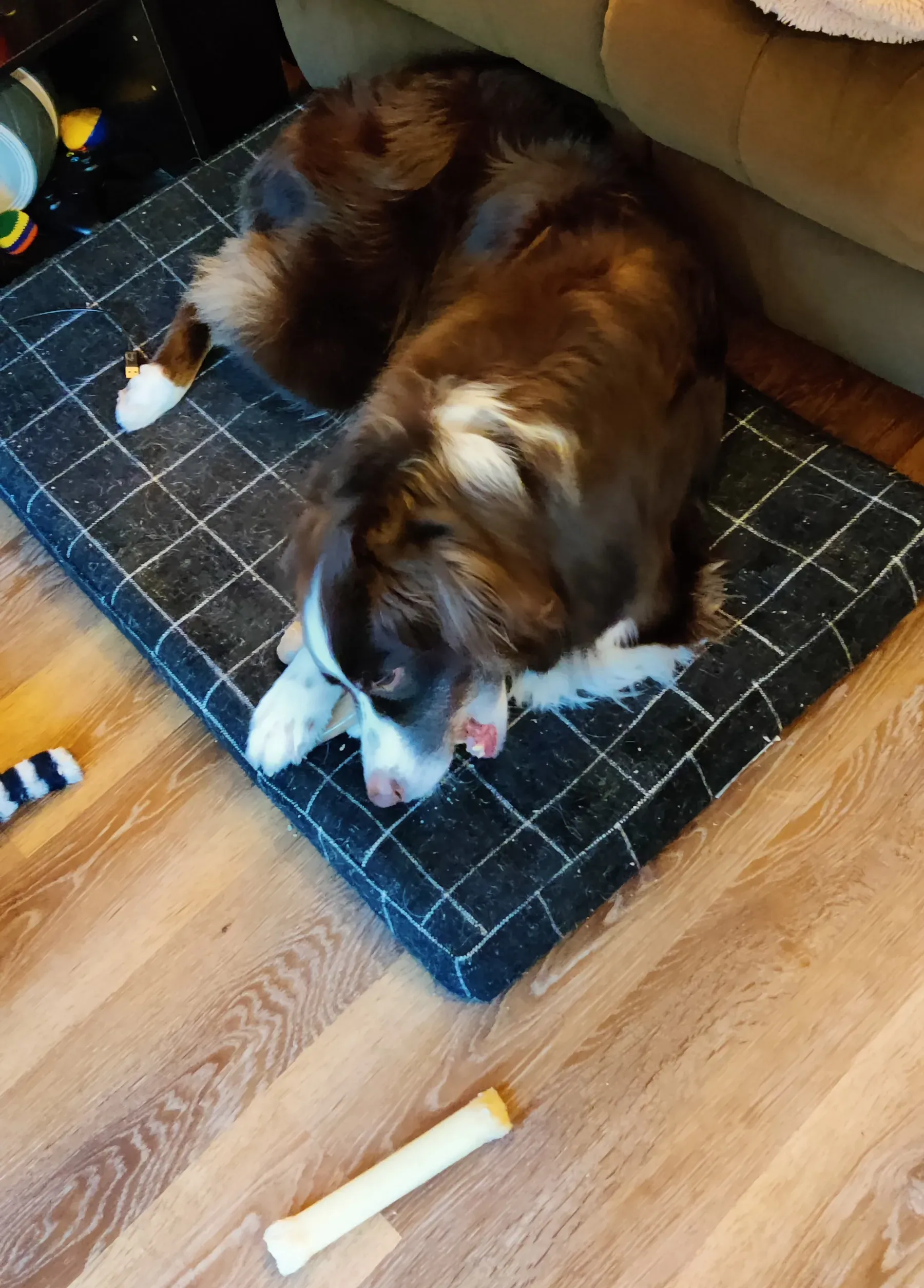
With nearly every part in place, all that was left was to wire up the power supply unit. It’s, like, a lot of cables. There are, um, special ports and stuff where things need to go? I don’t know, I did this once five years ago, and this time my little brother did most of this part. I did a great job slotting in the RAM and the GPU and holding the flashlight though. Seriously, I could not have done this without him.

We finished plugging in all the cables, closing up the case, and placed it in position. I plugged it in, went to press the power button, remembered that I hadn’t enabled power for the PC, did that, went to press the power button again, and…
…nothing. Nothing happened.
So we discussed. We brainstormed. A few minutes went by.
And the PC turned on. Turns out that takes a few minutes for the very first boot.
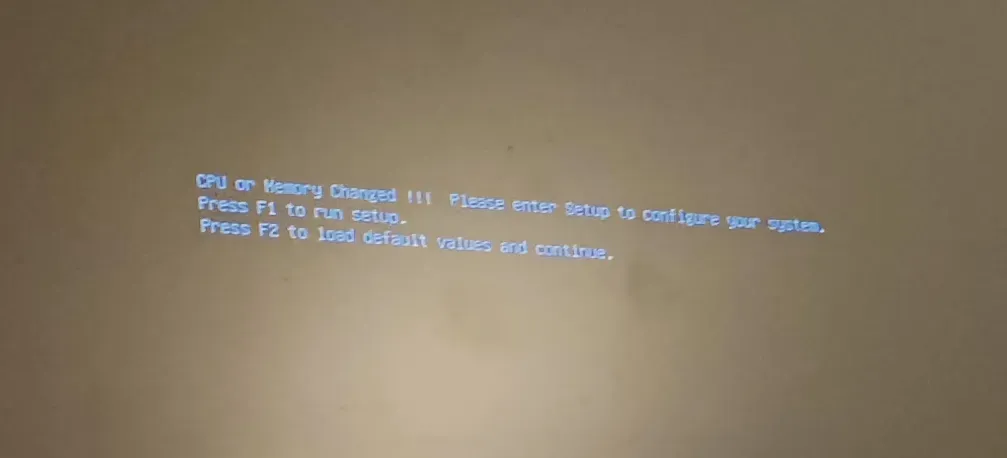
And so, we waited with bated breath for Windows or Linux or grub to appear, because I’m a dual-booter and nobody knows what’s going to happen when we slot my SSD into a new motherboard. Eventually, we were greeted with everyone’s favorite screen.
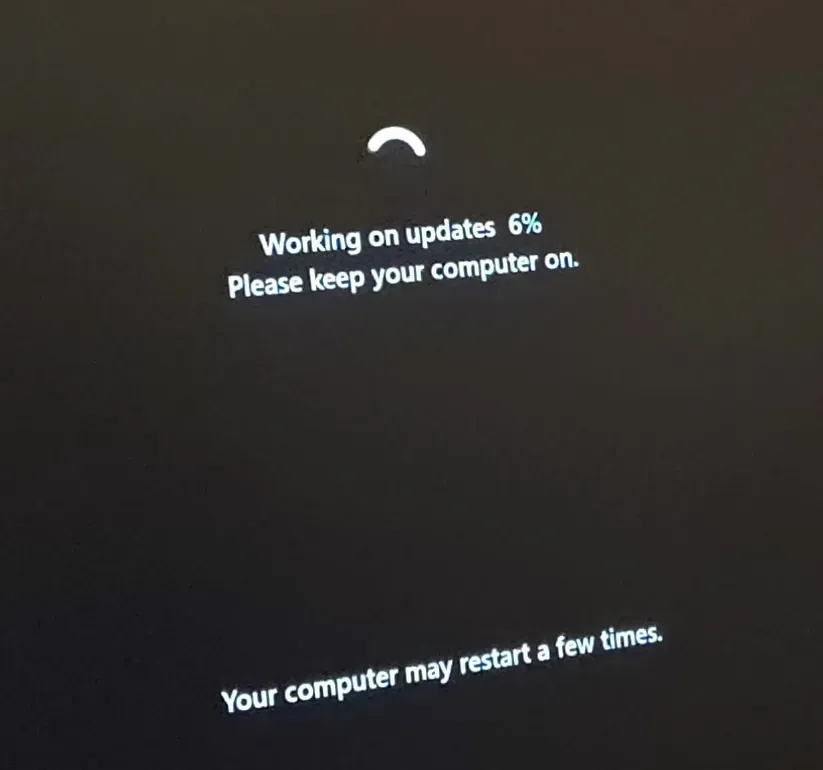
We had done it. The computer was assembled, and Windows had begun its great journey to my new machine. It was 16:40.
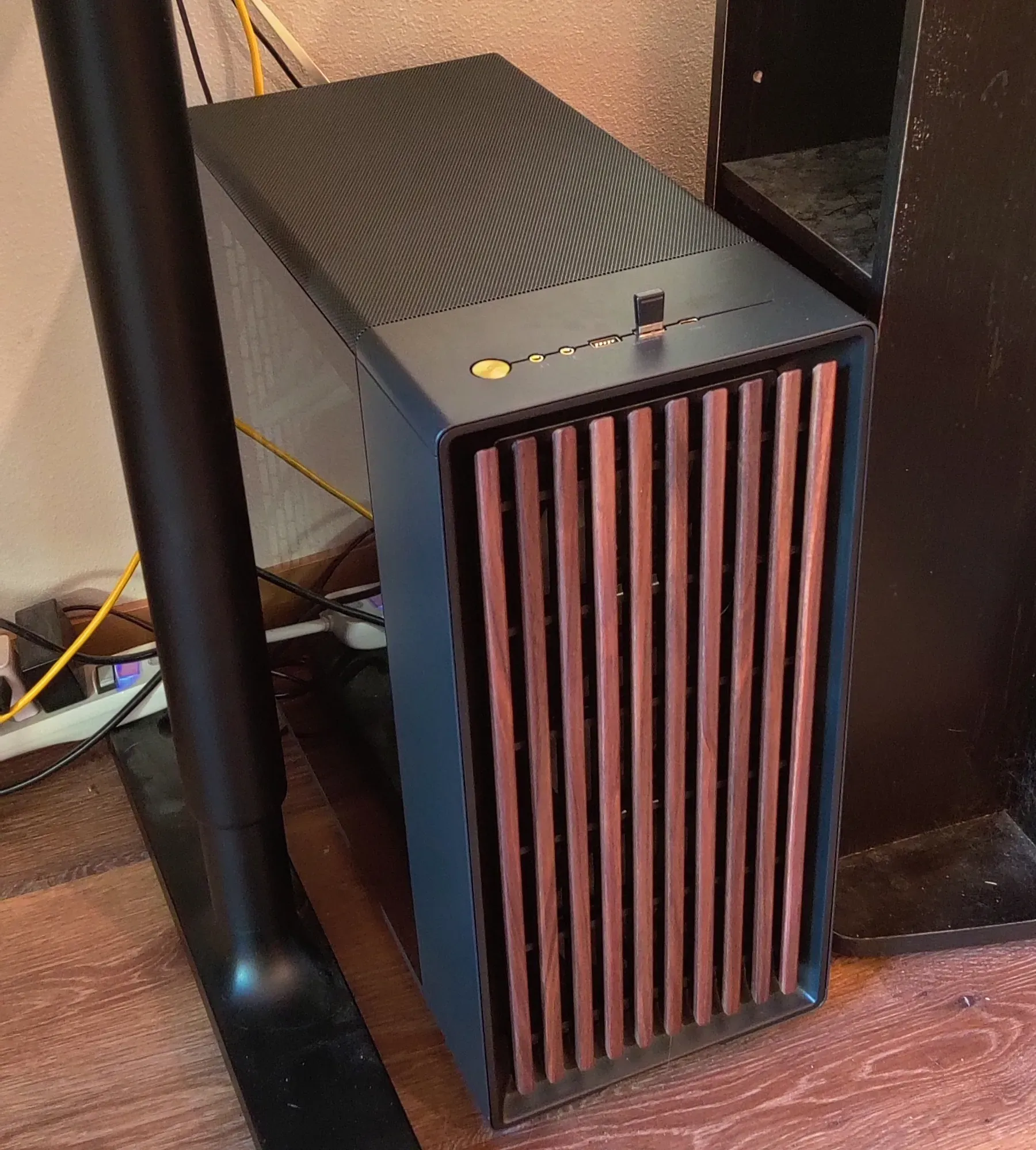
Setting up the machine post-boot was a bit more fun. I didn’t have to imprison any more CPUs, and I didn’t need a flashlight to see where to go. As the sun set, we booted into UEFI to set Linux Mint as the default partition, and we got excited to launch BeamNG.drive and some 3D benchmarks.
Beam was already installed, of course, and I had gotten used to playing at an almost-smooth 40 FPS on the second-lowest preset. We booted up the game, ready for a buttery smooth experience, only to be greeted with more jitter than ever. After checking some settings, we found the dreaded llvmpipe. In short, the computer wasn’t using the graphics card, it was using some very slow alternative. Wynonna was not happy.
It was her dinner time.
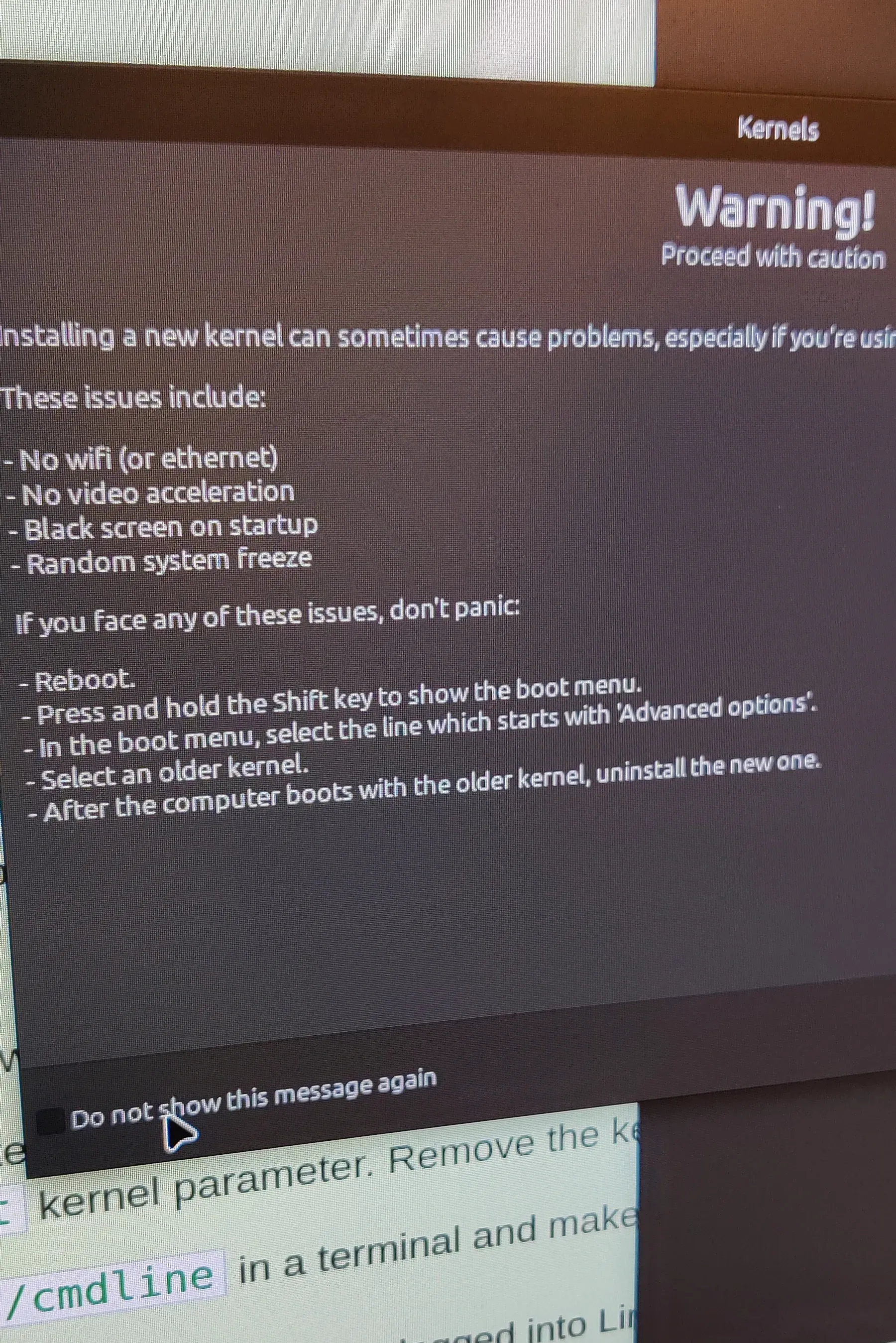
So we fiddled and fussed and got weird AI answers and old forum posts and eventually learned that Secure Boot was the primary problem and disabling it was easier than the alternative, so I’m now an insecure boy. Please don’t insult me or my boots ever again.
We booted up Beam again. In the settings, llvmpipe was nowhere to be found. RTX 5070 had taken its place.
We were in.
What followed was probably the most exciting gaming session of the decade. I played Beam on ultra settings at a smooth 60 FPS. I crashed my extremely expensive car into oncoming traffic and simulated every tick of the crunch at a smooth 60 FPS. I launched into Borderlands 4 and that game is still ugly with DLSS so that was a bummer but it’s also quite fun so that’s nice. I played Minecraft with AstraLex shaders at the ultra preset, rendering and simulating 32 chunks in every direction, flying around the overworld and through the nether at a decently-smooth 35 FPS. I was happier than Wynonna with a bone. It was amazing. It was real. I was gaming.
We had done it. We had built the greatest PC I’d ever seen.
Of course, that means very little, as I’ve only seen, like, 5 desktop PCs in the past decade.
And with that, my little brother returned to his domicile. Wynonna wished him goodbye, I definitely totally ignored him because I’m a big strong man and not an insecure boot, and our day was done. It was 19:20.
But ho! The story doesn’t end just because the main character has left! For I, the random guy who now owns the PC, had to address the fact that my super sick gamer RGB fans weren’t actually working! So the PC was unplugged, tempered glass removed, entire case lifted back on to my definitely-still-clean table that I didn’t have to clean up again at all no way.
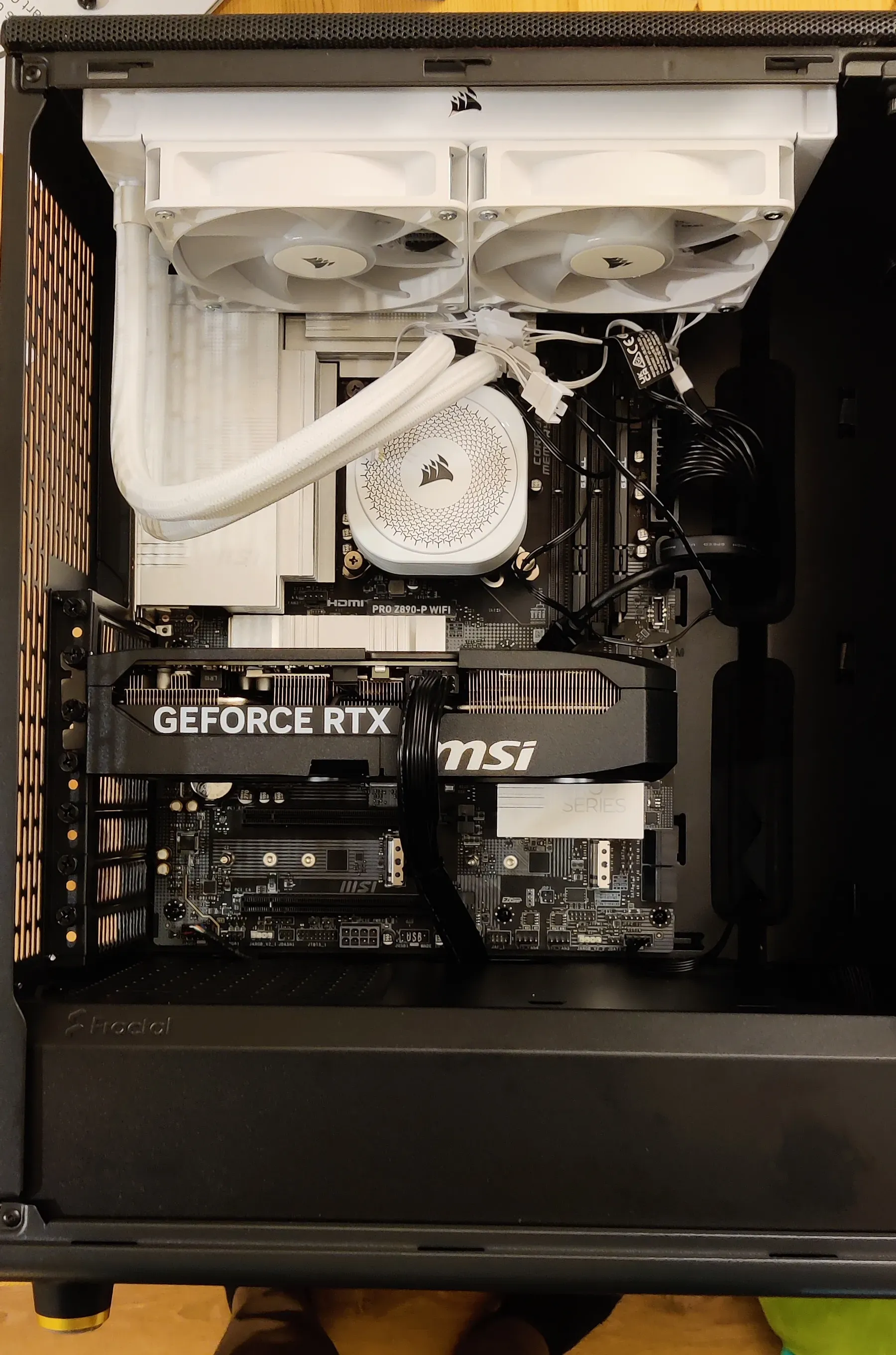
I traced the cables from the fans and found that they were plugged into nothing. That seemed to be the source of the issue. I looked at the manual, pulled out the controller, re-read the manual, looked at all the parts again, tried thinking a little bit, asked AI for some help, re-read the manual, inspected the motherboard, and started plugging things in.
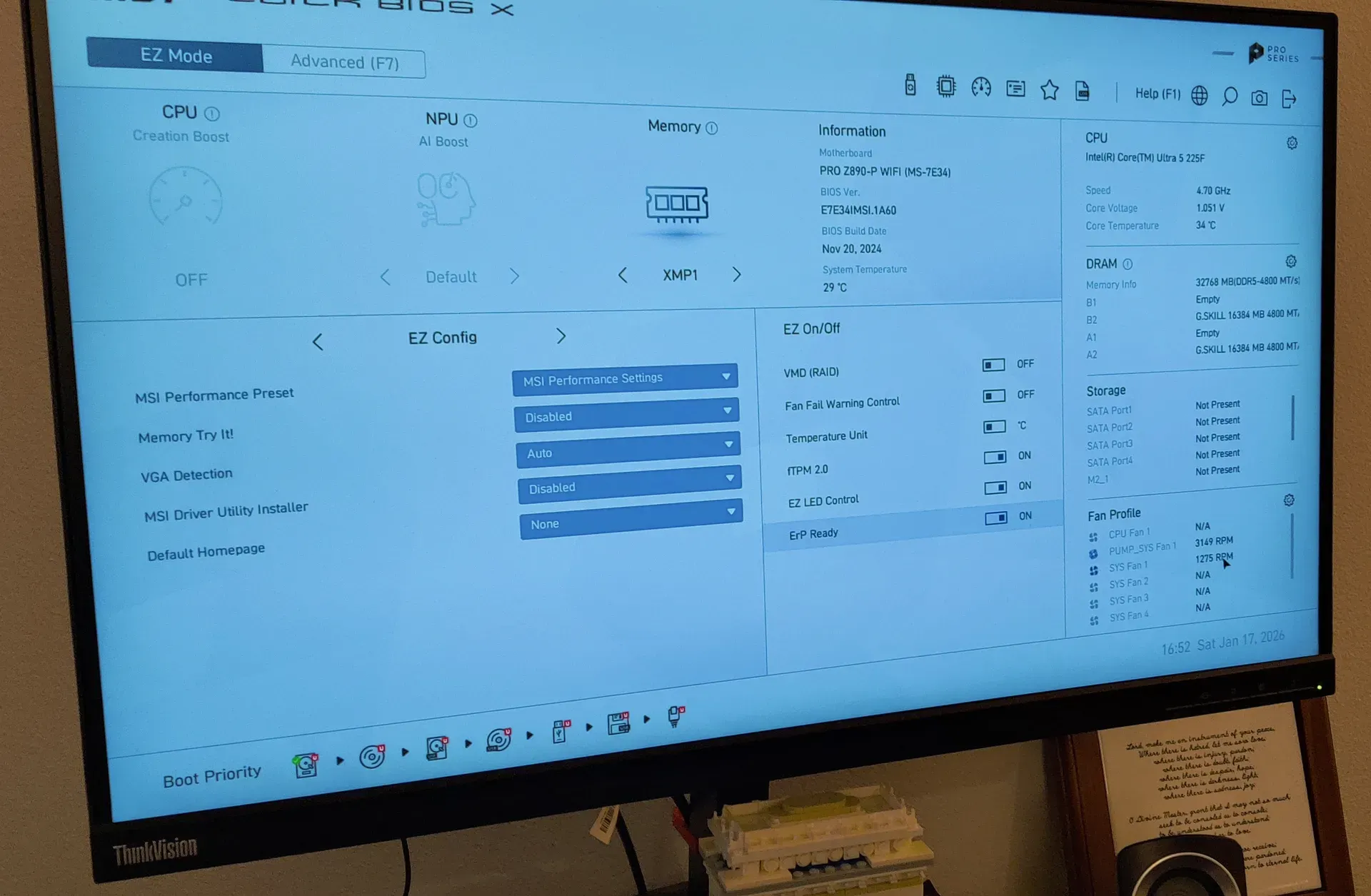
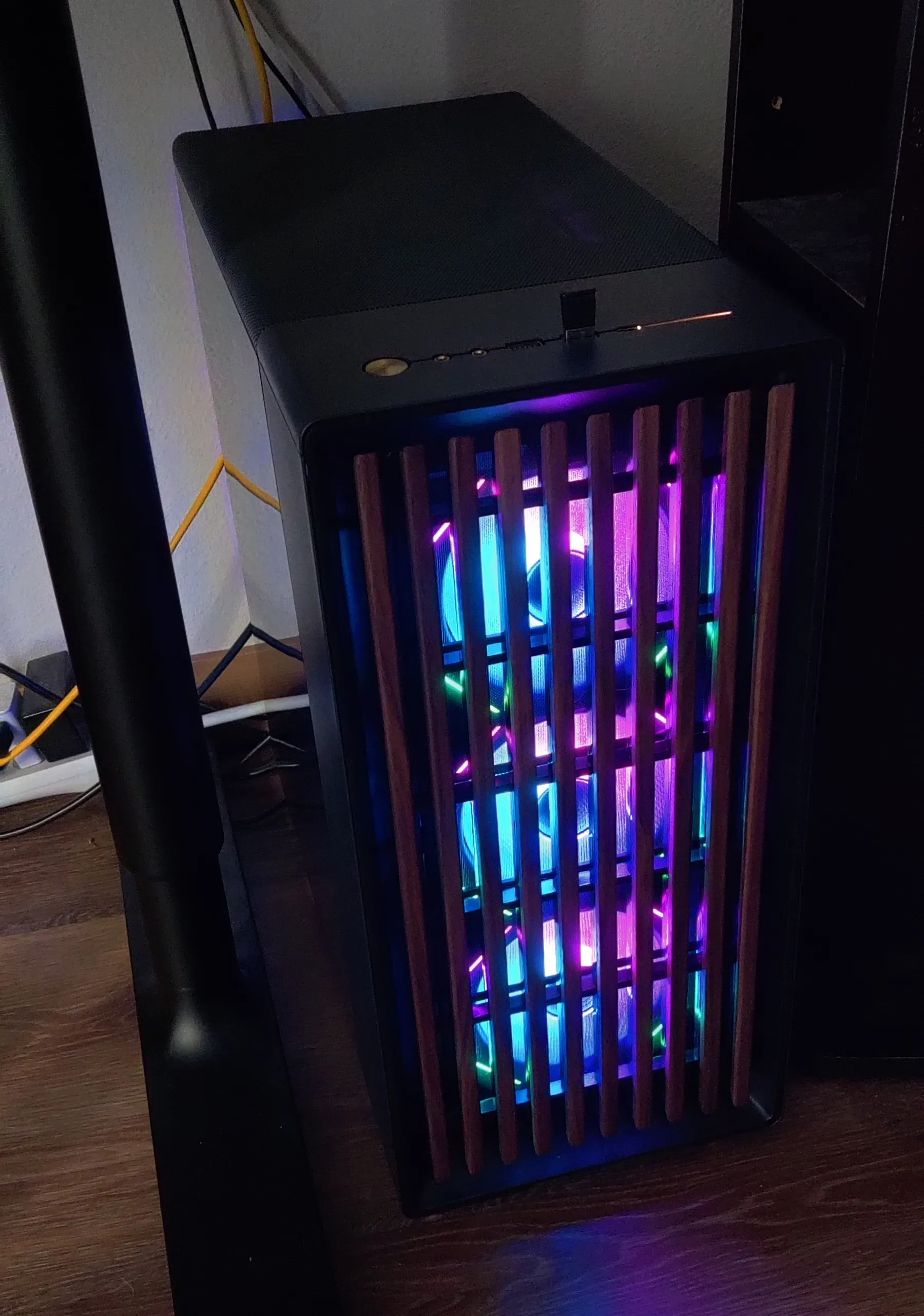
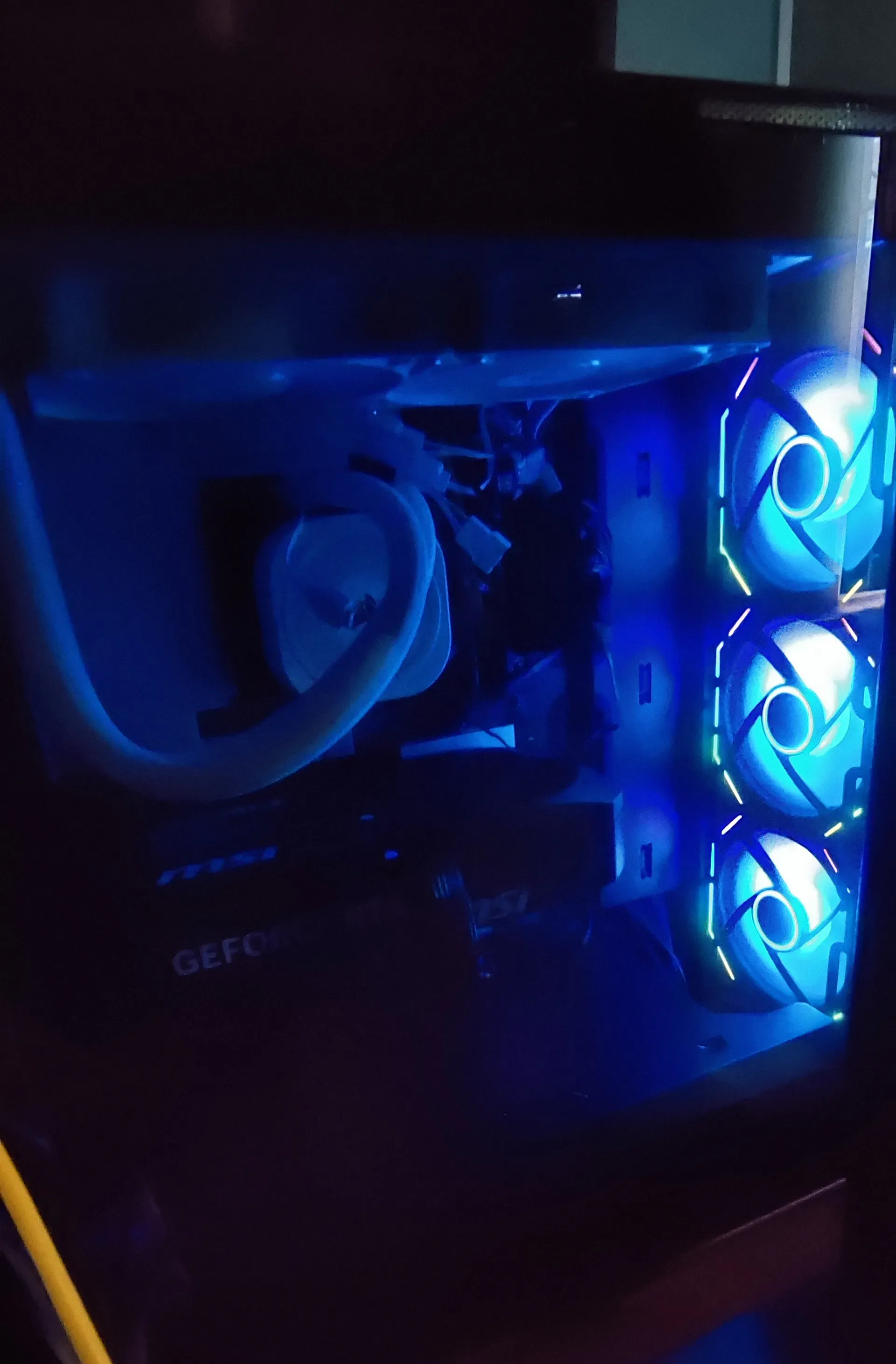
I think I did it right, because once everything was back in place, I turned the PC back on and got some sick circles in my slats.
I got a bonus photo from the gremlin that lives under my desk.
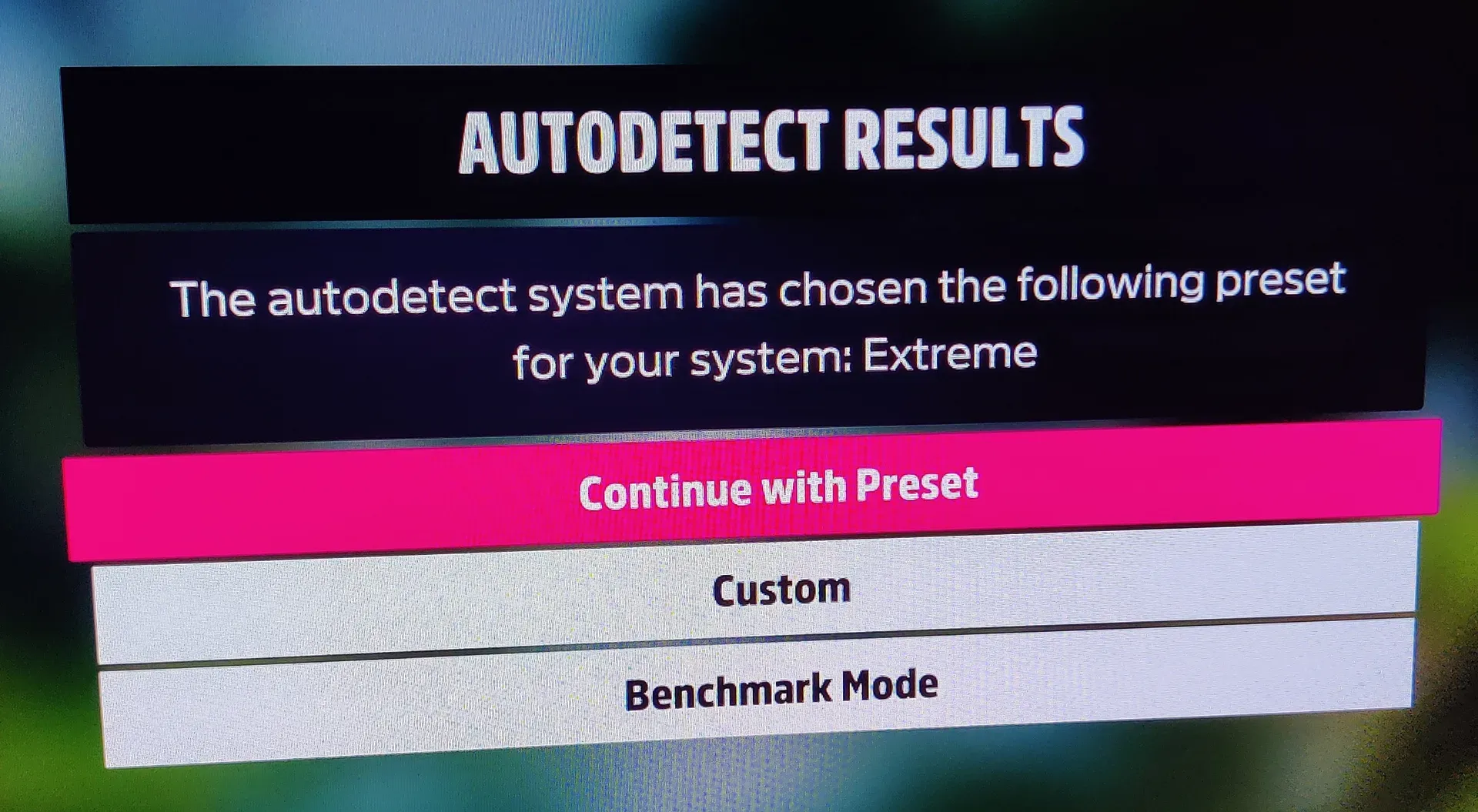
Truly, though, nothing gives my computer nerd soul more joy than seeing this upon expanding my Windows partition, installing Forza Horizon 5, going to sleep because 180 GB is a lot and it’s almost midnight, waking up, and booting up the game.
As I sit here typing away at the same keyboard, looking at the same monitor, and generally getting the same responsive behavior from my text editor as I did last week, I’m reminded of how long I’ve had this computer.
Almost 24 hours.
That’s a new record. For this computer, at least. And in that time, I’ve learned that BeamNG.drive just, like, doesn’t actually work on Linux. I thought it was my old graphics card’s fault. Nah, the game just crashes consistently when I load into a map on high settings. So now I load in on low settings, update the settings once I’m in-game, and just kinda chill for a couple minutes as the game catches up. Then I’m back to crashing my very expensive car into oncoming traffic.
I’ve also already started experiencing the post-goal malaise. Now what? I’m the owner of a PC more powerful than one I ever dreamed of as a kid. That’s not an exaggeration: I remember seeing fancy tech demos and thinking “I’ll never own a PC that can do that.” My PC can do that. Like, really truly. It’s pretty neat. But I spent $2,000 on this! Surely it should be more than just way better at launching a soft-body racing game and also Minecraft and also Borderlands 4 and also any other GPU-intensive program and also any other CPU-intensive program! Surely there’s more to a computer than computing quickly!
The frame of mind I’m trying to apply, even as I write this, is that we’re only at the beginning. It’s now been more than 24 hours since this PC first turned on. Yeah, those last few paragraphs took a while. We’re only at the beginning. I’ll start compiling Rust programs soon and I’ll appreciate the speed of the new CPU. I’ll play more video games and enjoy being able to just launch smoothly and not worry about every little setting. I’ll bop around on the Internet, loading big ugly webpages, and not have to deal with as much of the jank that comes with a slightly-older PC.
But more than any of that, I had a heck of a good time yesterday. I built this PC for two reasons: to play Beam and have fun building with my brother. And Beam doesn’t work. But man oh man it was so rewarding to chip away at this behemoth of a build with my little bro. It’s hard to put the teamwork into words, but he communicated so clearly and knew exactly what to do at every step, it’s almost like we didn’t waste an hour buying thermal paste, you know? We just bopped along to AJR, listened to Wynonna chew her bone, enjoyed the cool breeze, and built something great. It was fun.
And that’s enough.
As promised, here’s the PCPartPicker list for the exact parts and after-tax prices of this build. No, it’s not a good time to buy RAM.
2026-01-18: Fixed grammar and reworded last two sentences.
See also Blog - markwiemer.com